
[ SEO ]
Is a Vibe-Coded Website Good for SEO? Lovable, Bolt and v0 Compared
Lovable, Bolt and v0 can all build a website in minutes. But how well does each one set you up for Google and AI search? Here’s a neutral, plain-English comparison.
We build the funnels, stores and CRMs we write about — this isn't outsourced content.

Short answer: a vibe-coded website can be good for SEO, but the tool alone won’t make it so. What matters is whether search engines receive real HTML for each page, whether every page has its own title and description, and whether the site runs on your own domain with a sitemap. Lovable, Bolt and v0 differ mostly in the first point — how pages are rendered — and in how hosting and domains work.
This comparison is based on each tool’s own documentation as of November 2026. Tocal is independent and not affiliated with Lovable, Bolt or v0; we fix and launch websites built with all of them. If your site is already live and missing from Google, start with our guide on why your AI-built website isn’t showing on Google.
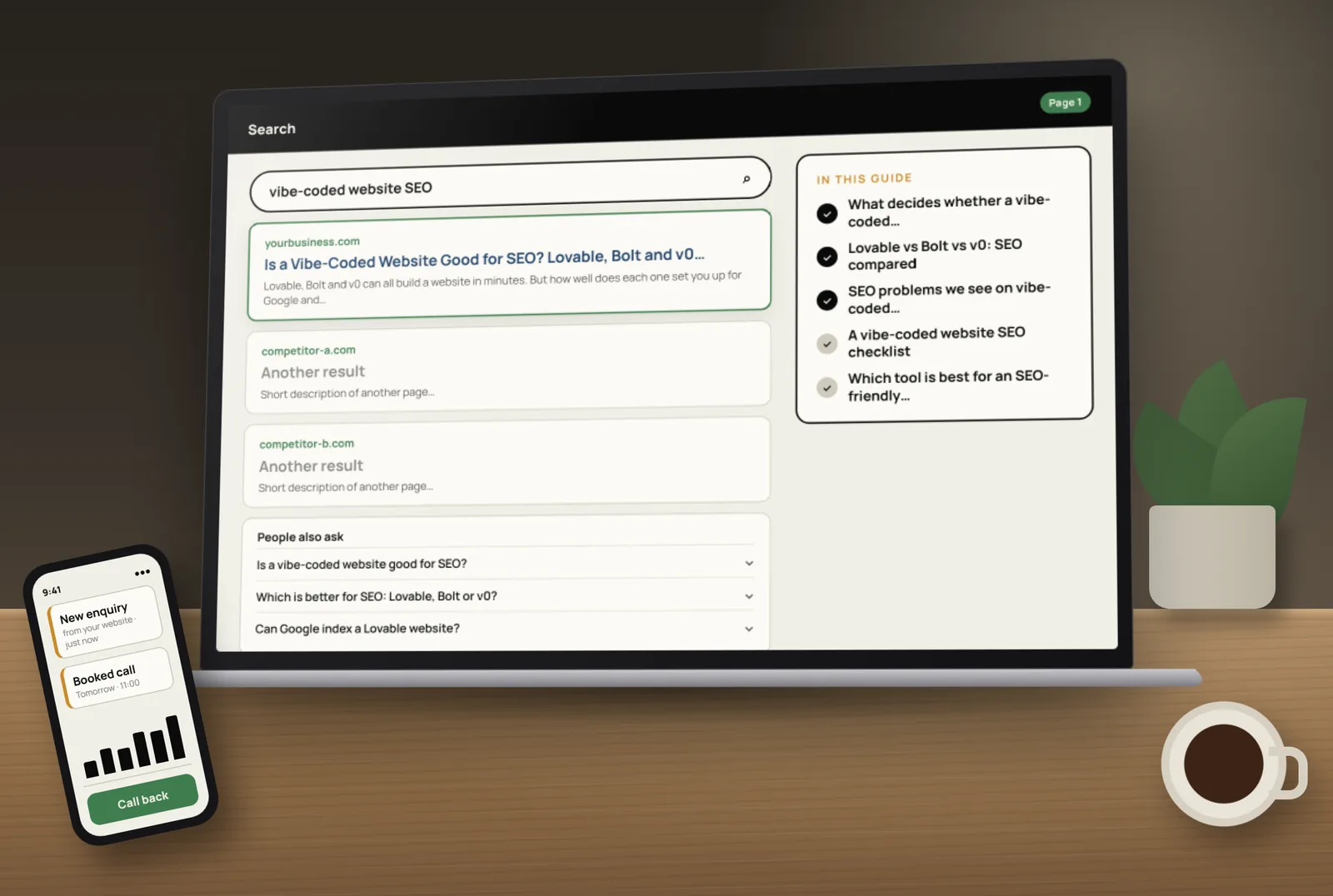
What decides whether a vibe-coded website is good for SEO
- Rendering — does the server send finished HTML, or an empty page that JavaScript fills in later? Google’s JavaScript SEO basics recommends server-side rendering or pre-rendering because it works for every visitor and crawler.
- Per-page metadata — a unique title, meta description, H1 and canonical URL for each page.
- Crawlable structure — real links, clean URLs, a sitemap, a sensible robots.txt and proper 404 pages.
- Your own domain — not a builder subdomain, with HTTPS and redirects in place.
- Speed and mobile — light images, little layout shift, readable on a phone.
- Content — a clear page for each service, answer-first copy and FAQs. No builder writes this for you.
Lovable vs Bolt vs v0: SEO compared
Lovable
- Rendering: according to Lovable’s documentation, new projects use TanStack Start, which renders pages on the server as finished HTML.
- Older projects: React + Vite projects render in the browser. Lovable serves pre-rendered copies of published pages to verified search engines and social preview bots, but only on its own hosting. Other crawlers see very little, and these projects can be upgraded.
- What to check: which version your project uses, and whether moving it to other hosting would lose the pre-rendering.
Bolt (Bolt.new)
- Hosting: Bolt’s hosting documentation says projects can be published to a free .bolt.host address, with custom domains on the Pro plan. Projects can also be published to Netlify.
- Rendering: Bolt can build with different frameworks depending on what you ask for, and its hosting docs don’t describe SEO rendering. So check each project: if the page source is almost empty, it renders in the browser only.
- What to check: connect a custom domain before you promote the site, and confirm crawlers get real HTML on each page.
v0 (by Vercel)
- Rendering: Vercel’s post on how v0 builds SEO-optimised sites says v0 generates Next.js apps that use the App Router and Server Components, rendered on the server by default.
- Built-in features: the same post lists title and description handling, Open Graph images, structured data support, and image and font optimisation.
- What to check: every page still needs its own metadata and content, and you still need a sitemap, robots.txt and your own domain set up correctly.
SEO problems we see on vibe-coded websites, whatever the tool
- The same title and description on every page.
- A whole business squeezed onto one long page instead of a page per service.
- No sitemap, or a sitemap listing URLs that don’t exist.
- Images that are far larger than needed, slowing down mobile pages.
- Navigation built from buttons instead of real links.
- Missing pages returning a “not found” message with a 200 status (soft 404).
- The site live on a builder subdomain and a custom domain at the same time.
- Contact forms that look fine but never deliver messages.
- No Google Search Console, so nobody notices indexing problems.
A vibe-coded website SEO checklist
- View the page source of a few pages. Your headings and text should be there.
- Give every page a unique title (keyword first), meta description and one H1.
- Create a page for each main service, and for each area if you serve several.
- Connect your own domain with HTTPS and redirect the builder address to it.
- Add an XML sitemap and a robots.txt that allows crawling.
- Use real links in menus and footers, and return a 404 status for unknown URLs.
- Compress images and test the site on a phone.
- Add FAQs and clear business details (name, services, area, contact) for AI search.
- Verify the site in Google Search Console, submit the sitemap and request indexing.
- Test that every form delivers a message to your inbox.
If you serve a local area, follow up with our local SEO checklist so the site supports your Google Maps listing too.
Which tool is best for an SEO-friendly website?
On rendering alone, tools that render on the server by default — v0, and Lovable’s newer projects — start from a stronger position. But for most small businesses, the bigger difference comes from what happens after the first build: page structure, content, domain setup and Search Console. Pick the tool you’re comfortable editing, then do the checks above before launch.
Already built your site and not sure it’s ready? Tocal’s vibe-coded website fix and launch service checks how Google and AI crawlers see your site, cleans up the code, fixes SEO, speed and forms, and launches it on your own domain — with fast delivery and reasonable pricing. For ongoing growth, our SEO service takes it from there. Book a free website check to see what needs fixing.
Frequently asked questions
It can be. SEO depends on whether pages are rendered as real HTML, have unique titles and descriptions, run on your own domain with a sitemap, load fast and contain useful content. AI builders handle some of this, but not all of it.
On rendering, v0 (Next.js with server rendering by default) and Lovable’s newer TanStack Start projects start in a strong position. Bolt projects vary by framework, so check each one. After that, content and setup matter more than the tool.
Yes. New Lovable projects render on the server. Older React + Vite projects render in the browser, and Lovable serves pre-rendered copies to verified search engines on its own hosting, according to its documentation.
They can. Bolt can publish to a .bolt.host address or a custom domain on Pro, and to Netlify. Check that each page sends real HTML, has its own title and description, and is on your own domain before promoting it.
According to Vercel, v0 builds Next.js apps that render on the server by default and handle titles, descriptions, Open Graph images and structured data. You still need good content, a sitemap and Search Console setup.
Yes. Lovable, Bolt and v0 all support custom domains, though plan rules differ — for example, Bolt’s custom domains need its Pro plan. Redirect the builder address to your domain so Google indexes one version.
It can if pre-rendering or redirects are lost. For example, Lovable’s pre-rendering for older projects only works on Lovable hosting. Keep URLs the same, redirect any that change and check rendering after the move.
They can, if pages are server-rendered with clear answers, FAQs and consistent business details. Not every AI crawler runs JavaScript, and no one can guarantee an AI tool will mention a business.
View the page source. If your headings and text aren’t in it, crawlers that don’t run JavaScript see an empty page, and rendering should be fixed first.
Not necessarily. A vibe-coded site with server rendering, good structure and proper setup can perform well. Rebuild only if the site can’t be fixed or you need features the builder can’t handle.
[ Tags ]
- Vibe-Coded Websites
- SEO
- AI Website Builders
- Lovable
- Technical SEO
[ Need a hand? ]
Let Us Build It For You.
30 minutes, no pressure — we’ll look at your setup and tell you honestly what to fix first.
[ Keep reading ]

[ SEO ]
Local SEO for Jaipur Businesses: How to Show Up in Google Maps
Most Jaipur customers search on their phone and pick from the three businesses in the Google Maps box. Here’s how to earn a place there, step by step.

[ E-Commerce ]
Shopify vs WooCommerce for Indian D2C Brands: Full Cost Comparison
For an Indian D2C brand, the real difference between Shopify and WooCommerce is not the plan price — it’s what you pay on every order as you grow. Here’s the full picture.